

Refine
Sort by
Base station
Suction power
Navigation
Battery life
Smart features
Colour
Brand
Customer rating
More like this

Ecovacs Deebot T30S Pro (Robot Vacuum Mop)
Ecovacs
- 11,000Pa suction power
- Hot water mop washing
- ZeroTangle anti-hair technology
- TruEdge edge mopping
- All-in-one OMNI station
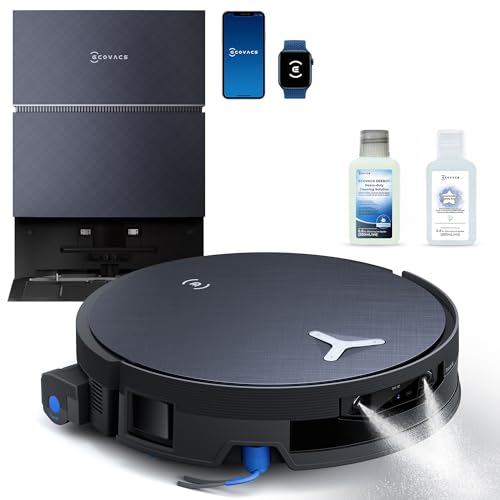
Ecovacs Deebot X12 Pro
Ecovacs
- OZMO Roller instant self-washing
- Bagless auto-empty station
- PowerBoost GaN charging
- AIVI 3D navigation
- 200 minute battery life

Olsen & Smith Smart robot vacuum cleaner
Olsen & Smith
- 10000Pa powerful suction
- Self-emptying base station
- Vacuum and mop combo
- Laser navigation mapping
- Voice control compatible
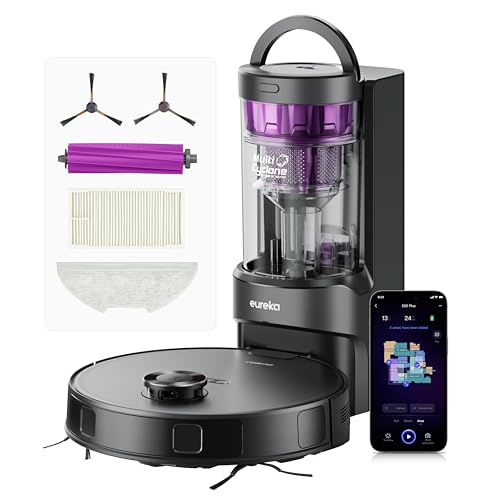
Eureka E20 Plus Robot Vacuum Cleaner (Black, 35cm x 35cm)
Eureka
- 8000Pa powerful suction
- 45-day self-emptying station
- 10mm mop lifting
- 180-minute battery life
- AI obstacle avoidance

Eureka Eureka E20 Plus Robot Vacuum
Eureka
- 8000Pa powerful suction
- 45-day self-emptying station
- AI 3D obstacle avoidance
- 180-minute battery life
- Vacuum and mop function

Proscenic Q8 Max Robot Vacuum Mop
Proscenic
- Self-emptying station included
- 6000Pa powerful suction
- 200 minute battery life
- 360° LiDAR navigation
- App and voice control

Eureka J15 Max Ultra robot vacuum
Eureka
- 22,000 Pa suction power
- Self-emptying base station
- Hot water mop washing
- FlexArm edge cleaning
- AI obstacle avoidance
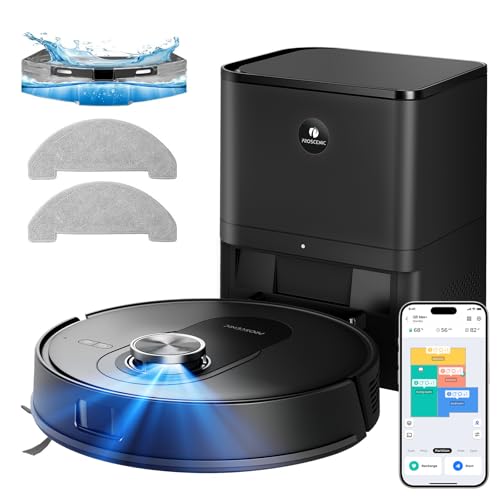
Proscenic Q8 Max+ Robot Vacuum And Mop (Black)
Proscenic
- 8000 Pa powerful suction
- Self-emptying 60 days
- 360° LiDAR navigation
- Vacuum and mop combo
- 200 minute battery life

Ecovacs Deebot T30S Combo
Ecovacs
- 11000Pa powerful suction
- ZeroTangle anti-hair technology
- Hot water mop washing
- Self-emptying dust collection
- Handheld vacuum included

Ecovacs Deebot X12 Omnicyclone
Ecovacs
- 22,000Pa blast suction power
- Self-washing roller mop system
- Bagless auto-empty station
- FocusJet pre-spray technology
- ZeroTangle 4.0 hair prevention

Tapo Robot Vacuum
Tapo
- 4200Pa hyper suction power
- 3-hour continuous cleaning battery
- LiDAR navigation mapping system
- 800ml large dust capacity
- Voice and app control

Ecovacs Deebot T50 Pro Omni (White)
Ecovacs
- 15,000Pa powerful suction
- TruEdge 2.0 edge cleaning
- OMNI station auto-cleaning
- AIVI 3D navigation
- ZeroTangle 2.0 technology

Ecovacs Deebot X8 Pro Omni
Ecovacs
- 18,000Pa powerful suction
- Self-washing OZMO roller mop
- 12-in-1 OMNI station
- ZeroTangle 2.0 technology
- YIKO-GPT voice assistant

Lefant Robot vacuum cleaner
Lefant
- 18,000Pa powerful suction
- 20cm wide roller mop
- 75°C hot water washing
- 120 days hands-free cleaning
- dToF laser navigation mapping

Coredy Robot vacuum cleaner
Coredy
- 2200Pa strong suction power
- 3-in-1 vacuum sweep mop
- Wi-Fi app voice control
- Boost-Intellect carpet technology
- Virtual boundary magnetic strips

Tapo RV30 Max Plus Robot Vacuum Cleaner (5300Pa, Black)
Tapo
- 5300Pa hyper suction power
- LiDAR dual navigation mapping
- Auto-empty dock included
- Vacuum and mop functions
- 150 minutes battery life

Samsung Jet Bot Combo+ VR7MD96514G (Misty White, 3-in-1)
Samsung
- 3-in-1 vacuum and mop
- Self-emptying Clean Station
- Steam mop sanitisation
- AI object recognition
- SmartThings app control

Ecovacs Deebot T50 Pro Omni (Black)
Ecovacs
- 15,000Pa powerful suction
- Ultra-slim 3.19" design
- Self-emptying omni station
- AI obstacle avoidance
- TruEdge corner cleaning

Lefant Lefant M2 Plus Robot Vacuum
Lefant
- 6000Pa powerful suction
- Self-emptying station included
- LiDAR navigation mapping
- 2-in-1 vacuum and mop
- 140 minute battery life

Alexa Mopping Robots - Voice Controlled Cleaning Explained
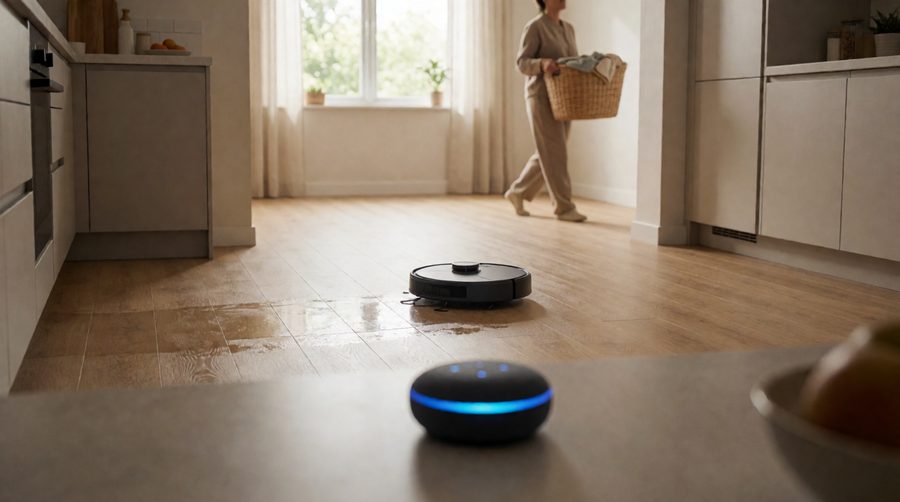
An Alexa-compatible robot mop is an ordinary Wi-Fi robot vacuum and mop that has been linked to your Amazon account through an Alexa skill. Once linked, Alexa passes what you say to the maker's cloud service, which sends the instruction to the machine. The robot itself never listens to you - the Echo speaker, Echo Show or the Alexa app on your phone does the listening.
That matters for two reasons. First, you don't need an Echo: the Alexa app works as the microphone. Second, the range of commands depends on the brand's skill, not on Alexa. A basic skill only offers start, stop and dock. A good one adds room-by-room cleaning, suction and water-flow changes and status updates.
Some newer robots go a step further with an assistant built into the robot. The Ecovacs Deebot range answers to its own YIKO assistant ("OK YIKO") as well as Alexa, so you can talk to the machine directly without a speaker nearby.
What Can You Ask Alexa to Do?
The exact wording differs between brands, and the phrasing has to be close to the maker's list - a slightly different sentence is the most common reason a command fails. These are the commands published by Ecovacs, SwitchBot and iRobot, with the robot's name in brackets:
| Task | Typical command | Needs |
|---|---|---|
| Start a clean | "Alexa, ask [name] to start cleaning" | Any linked robot |
| Pause or stop | "Alexa, ask [name] to pause" | Any linked robot |
| Send it back to charge | "Alexa, tell [name] to go home" | Any linked robot |
| Clean one room | "Alexa, ask [name] to clean the kitchen" | A saved map with named rooms |
| Clean around furniture | "Alexa, tell Roomba to clean around the couch" | iRobot Imprint Smart Mapping |
| Change suction | "Alexa, ask [name] to change suction power to Max" | Brand skill with power control |
| Change mop water flow | "Alexa, ask [name] to change water output for mopping to High" | Brand skill with mop control |
| Switch mode | "Alexa, ask [name] to change to mop mode" | Brand skill with mode control |
| Find it | "Alexa, ask [name] where it is" | Brand skill with status |
Beyond single commands, Alexa Routines are where voice control earns its keep. You can add the robot to a routine so that "Alexa, I'm leaving" locks the smart lock, turns off the lights and starts the mop, or set it to run every weekday at 10am. Alexa can also announce when a job has finished or the robot needs help, so you hear it even if your phone is in another room.
Can Alexa choose between vacuuming and mopping?
Only if the brand's skill supports it. On many machines the app setting decides: if the app is set to vacuum and mop, "clean the kitchen" will do both. Roborock owners have found that a saved "Smart Plan" in the app overrides the spoken request, and switching it off lets Alexa run a vacuum-only job. If separate mop and vacuum commands matter to you, check the skill's command list before you buy.
How to Connect a Robot Mop to Alexa
- Set it up in the maker's app first. Connect the robot to Wi-Fi and let it build its first map. Most robots need a 2.4GHz network, not 5GHz.
- Name your rooms. Split the map and give rooms simple names (Kitchen, Hallway, Living Room). Voice room cleaning uses these names, and on some brands only the built-in names work.
- Enable the skill. In the Alexa app, go to More, then Skills & Games, search for the brand (ECOVACS, Roborock, iRobot, Eufy, Tapo and so on) and enable it.
- Link your account. Sign in with the same account you use in the robot's app and allow access.
- Discover the device. Back in Alexa, go to Devices, then add a device, or say "Alexa, discover devices". Give the robot a short, distinct name.
- Test a few phrases from the brand's list, then build a routine.
Ecovacs has a clear step-by-step version of this in its UK guide to robot vacuums and Alexa.
Voice-Controlled Robot Mops Compared
Shop pages list "works with Alexa" and stop there. Here are the real specs of the in-stock models in this collection, taken from the listings. A dash means the maker doesn't state it.
| Model | Suction | Run time | Navigation | Noise | Voice assistants |
|---|---|---|---|---|---|
| Ecovacs Deebot X12 Omnicyclone | 22,000Pa | 200 min | AIVI 3D 4.0 | 61.1 dB | Alexa, Google Home |
| Ecovacs Deebot X11 OmniCyclone | 19,500Pa | 200 min | - | 61.8 dB | Alexa, Google Home, Siri |
| Ecovacs Deebot T80 Omni | 18,000Pa | - | AIVI 3D 3.0 + LiDAR | - | Alexa, Google Assistant |
| Ecovacs Deebot T30S | 11,000Pa | 180 min | LiDAR TrueMapping 2.0 | 65 dB | OK YIKO, Alexa, Google Home |
| Olsen & Smith RV06 | 10,000Pa | 180 min | - | 65 dB | Alexa, Google Assistant |
| Proscenic Q8 Max+ | 8,000Pa | 200 min | 360° LiDAR | - | Alexa, Google Home, Siri, IFTTT |
| Eureka E20 Plus | 8,000Pa | 180 min | DuoDetect AI 3D | 65 dB | App, button, voice |
| Lefant M2 Plus | 6,000Pa | - | dToF LiDAR | - | Alexa, Google Assistant |
| Tapo RV30 Max Plus | 5,300Pa | 150 min | LiDAR + IMU | - | App, remote, voice |
| Tapo RV30C | 4,200Pa | Up to 3 hours | LiDAR + gyro | 53 dB | App, voice |
| Dreame D9 Max | 4,000Pa | 150 min | - | 55 dB | Alexa |
| TCL Sweeva 6500BK | 2,700Pa | 120 min | - | - | Alexa |
| iRobot Roomba Combo j7 | - | 2 hours | PrecisionVision | - | Alexa, Google Assistant |
A few things stand out. The three Ecovacs Omni models sit at 18,000Pa and above, far ahead of the compact robots at 2,700-6,000Pa. Several models run for up to 200 minutes, enough for most UK homes in one go - see our long battery life robot mops for more. For a quieter machine, the Tapo RV30C (53 dB) and Dreame D9 Max (55 dB) are rated about 10 dB below the 65 dB machines, which is a clear difference if you'll be in the room while they work. Our quiet robot vacuum and mop page has more.
What to Look For in a Voice-Controlled Robot Mop
Mapping and room names
"Clean the kitchen" only works if the robot has a saved map with rooms on it, so LiDAR or 3D-camera navigation is close to essential. Cheaper gyro-guided robots can start and stop by voice but can't be sent to a room. iRobot was the first to let owners clean a specific room by voice with Alexa, on Roombas with Imprint Smart Mapping (iRobot announcement). See iRobot vacuum and mop combos for those.
The base station
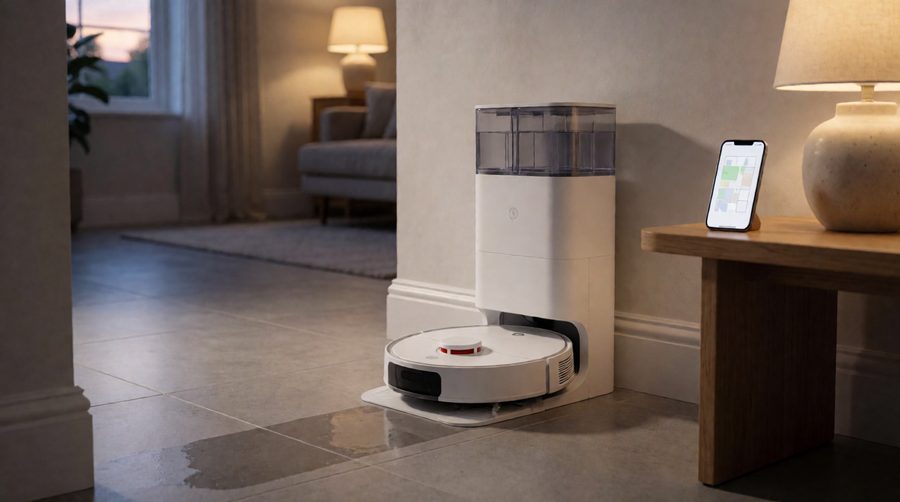
Hands-free control is at its best when you never have to touch the machine. A self-emptying robot mop tips its dust into a bag in the dock. An all-in-one station also washes and dries the mop pads and refills the water tank. The Olsen & Smith RV06, for example, lists self-emptying and self-refilling. Washing the mop with warm water helps on greasy kitchen floors - see hot water robot mops.
Which assistants it supports
If your home runs on more than one system, look beyond Alexa. The Proscenic Q8 Max+ lists Alexa, Google Home, Siri and IFTTT, while the Ecovacs Deebot X11 OmniCyclone adds Siri to Alexa and Google Home.
Obstacle avoidance
When you start a clean by voice from another room, nobody is there to pick up a sock or a charging cable. 3D or AI-camera obstacle avoidance (Ecovacs AIVI, Eureka DuoDetect, iRobot PrecisionVision) spots objects on the floor and steers round them.

Privacy and Security
A robot mop that works with Alexa is a connected device with a microphone-equipped speaker in the loop and, on some models, a camera on board. Since 29 April 2024, UK law under the Product Security and Telecommunications Infrastructure (PSTI) regime has banned universal default passwords on connectable products sold here and requires makers to say how long they will provide security updates. The National Cyber Security Centre's advice on using smart devices safely in your home is worth following: use a strong, unique password for the robot's app account, switch on two-step verification where it's offered and install updates when prompted. In the Alexa app you can review and delete voice recordings under Alexa Privacy.
When Alexa Commands Don't Work
- "Device not responding" - the robot has lost Wi-Fi. Check it's on 2.4GHz and the dock isn't behind a thick wall or a fridge.
- Alexa doesn't understand - use the exact phrasing from the brand's list and the robot's name as it appears in the Alexa app.
- Room command ignored - re-save the map and make sure the room name matches the app exactly.
- Mops when you only wanted vacuuming - check the cleaning mode or saved plan in the robot's app.
- Stopped working after an update - disable and re-enable the skill, then link the account again.
FAQ
Do I need an Echo speaker for an Alexa robot mop?
No. The Alexa app on a phone or tablet can send voice commands, and you can still run the robot from its own app. An Echo just makes hands-free control easier.
Can Alexa send my robot mop to clean one room?
Yes, if the robot has a saved map with named rooms and its skill supports room cleaning. Models with LiDAR or 3D navigation usually do.
Do these robots also work with Google Assistant?
Most do. In this collection the Ecovacs Deebot X12 Omnicyclone, X11 OmniCyclone, T80 Omni and T30S, the Olsen & Smith RV06, the Lefant M2 Plus, the Proscenic Q8 Max+ and the iRobot Roomba Combo j7 all list Google support too.
Can I schedule cleaning with Alexa?
Yes. Add the robot to an Alexa Routine with a time, or tie it to another trigger such as "Alexa, I'm leaving". Some brands also accept spoken schedules.
Will Alexa tell me when the robot has finished?
Many skills support Alexa announcements, so your Echo can say when the robot has finished or got stuck. Check the brand's skill page for which updates it supports.
Are Alexa robot mops expensive?
Not necessarily. Voice control now comes on entry-level robots such as the TCL Sweeva 6500BK and Tapo RV30C as well as flagship Omni models. Browse budget robot mops or premium robot mops to compare.
