

Refine
Sort by
Base station
Suction power
Navigation
Battery life
Smart features
Colour
Brand
Customer rating
More like this

Shark PowerDetect Robot Vacuum And Mop (White, 60-Day Self-Emptying)
Shark
- 60-day self-emptying capacity
- 3D LiDAR vision mapping
- Sonic mopping technology
- PowerDetect cleaning sensors
- Anti-allergen complete seal

Eureka NER E10s BK Robot Vacuum Cleaner (Black, Bagless Auto-Emptying)
Eureka
- 4000 Pa suction power
- Bagless auto-emptying station
- LiDAR navigation mapping
- 2-in-1 vacuum mop
- 45-day dust capacity

Shark Navigator robot vacuum with self-empty base
Shark
- SmartPath LiDAR navigation mapping
- Self-empty bagless base
- Anti-hair wrap brushroll
- Object detection avoidance
- 60-day dirt capacity

Kärcher RCV 5 Robot Vacuum Cleaner (White)
Kärcher
- Vacuum and mop function
- LiDAR navigation system
- 120 minute battery life
- App controlled cleaning
- Automatic carpet recognition
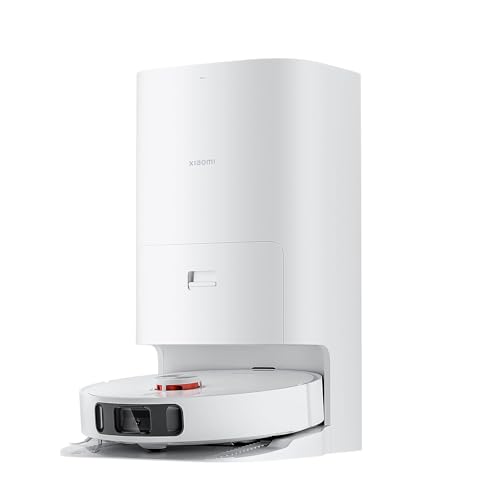
Xiaomi Mi Robot Vacuum Cleaner X10+
Xiaomi
- 4000Pa super suction power
- Self-cleaning rotating mop pads
- Auto-empty dust station
- AI obstacle avoidance technology
- 120-minute battery life
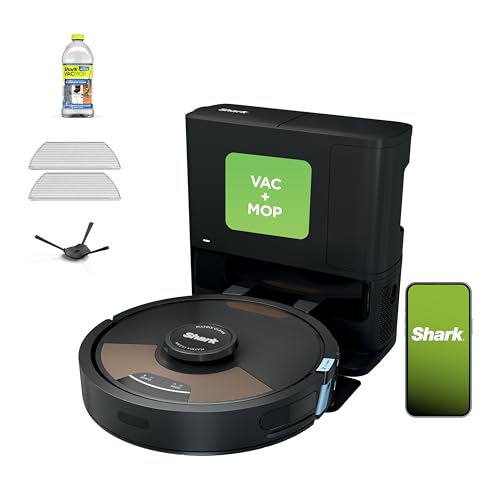
Shark Matrix Plus
Shark
- Self-emptying 60-day capacity
- Sonic mopping technology
- Matrix Clean grid pattern
- HEPA filtration system
- 360° LiDAR mapping
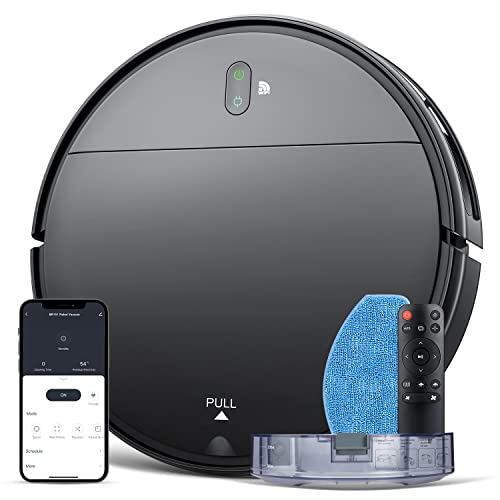
Robot Vacuum and mop combo
MAMNV
- 2-in-1 vacuum and mop
- 1400Pa suction power
- 100 minute battery life
- App and voice control
- Brushless suction port

Tcl Robot Vacuum Cleaner
TCL
- 2700Pa powerful suction
- Laser navigation mapping
- 120-minute battery life
- Alexa voice control
- Four suction levels

Shark PowerDetect Robot Vacuum
Shark
- 5x PowerDetect cleaning technologies
- 60-day self-emptying capacity
- 3D LiDAR navigation mapping
- Sonic mopping with pad washing
- NeverStuck threshold climbing technology
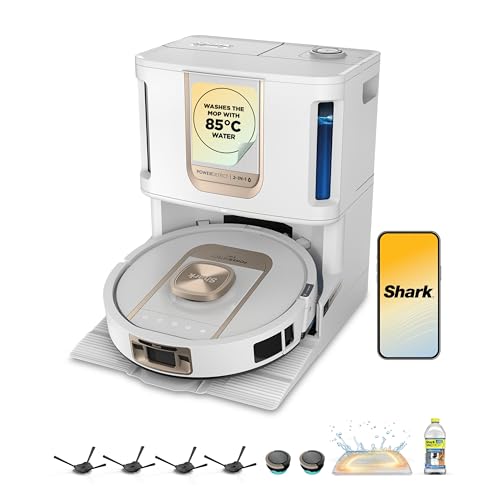
Shark ThermaCharged PowerDetect Robot Vacuum
Shark
- Heated mop cleaning base
- Dirt detect technology
- Edge cleaning extension
- Three hour battery life
- Auto water tank refill

Narwal Freo X Plus Robot Vacuum And Mop (White)
Narwal
- 7800Pa powerful suction
- Seven weeks dust storage
- Zero tangle brush design
- Self-emptying dustbin technology
- Tri-laser obstacle avoidance

Dreame X50 Ultra
Dreame
- 20,000Pa Vormax suction power
- Retractable legs climb 2.36in
- VersaLift lowers to 3.5in
- DuoBrush anti-tangle system
- Auto-empty self-cleaning base

Ecovacs Deebot X11 OmniCyclone
Ecovacs
- 19,500Pa BLAST suction power
- Bagless auto-empty station
- OZMO ROLLER 2.0 mopping
- PowerBoost 3-minute charging
- ZeroTangle anti-hair wrap

Eufy X10 Pro Omni
Eufy
- 8,000 Pa powerful suction
- Auto mop washing station
- Self-emptying dust collection
- AI obstacle avoidance
- Dual rotating mop pads
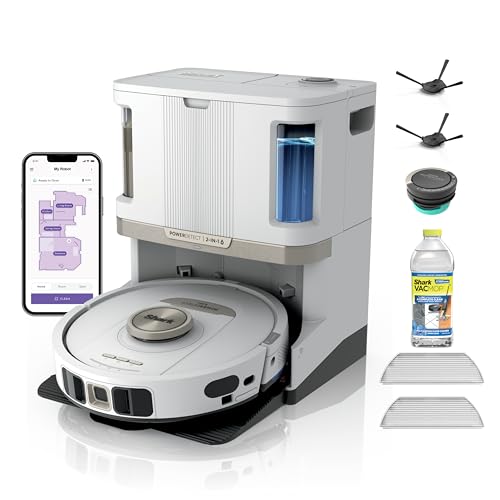
Shark PowerDetect NeverTouch Pro (White, Model AV2810ZEWH)
Shark
- Self-emptying 60-day capacity
- Auto water tank refill
- NeverStuck obstacle navigation
- Five PowerDetect technologies
- Carpet detection system

Dreame Robot vacuum cleaner with mop
Dreame
- 4000Pa powerful suction
- LiDAR navigation mapping
- 150 minute battery life
- 2-in-1 vacuum and mop
- App and Alexa control

Irobot Roomba Combo j7
iRobot
- Retractable mop system
- PrecisionVision obstacle avoidance
- Smart mapping technology
- 4-stage cleaning system
- Voice control compatible

Irobot Roomba Combo 10 Max
iRobot
- 4-stage cleaning system
- AutoWash dock included
- SmartScrub mopping technology
- Auto-retract mop system
- Advanced obstacle avoidance
What counts as a long battery life robot vacuum mop?
Most robot vacuums sold in the UK quote somewhere between 90 and 180 minutes per charge. Budget models with random navigation often stop at 100-120 min, and the Shark Stratos and Matrix Plus list 110. In this range we count anything that quotes three hours or more, and the best now quote four to six hours of cleaning.
That matters because mopping adds work on top of vacuuming. A robot vacuum and mop has to drive the main brush, the side brush, the fan and the mop pads or roller, and many lift the mop over carpet too. A robot vacuum that runs for 3 hours can comfortably clean a typical three or four-bedroom home in one go; a 100-min model in the same house usually has to go back to the dock part way through.
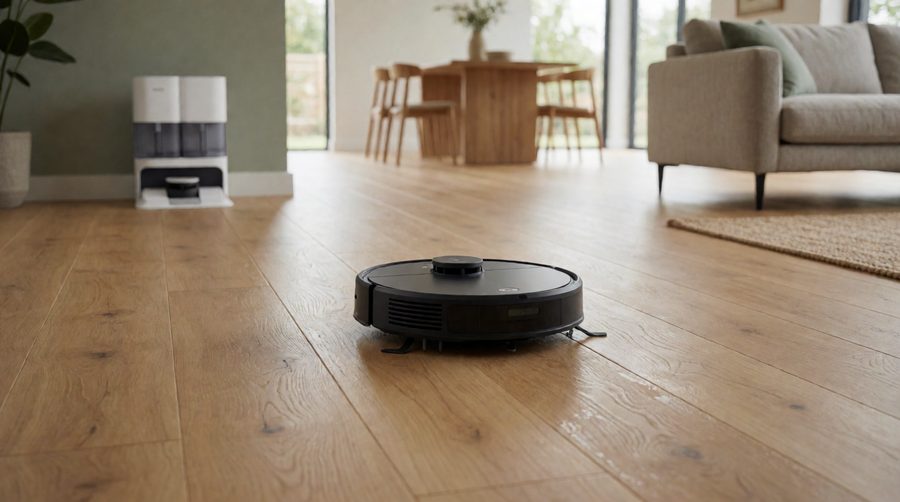
PCMag, which tests runtime in real homes, treats an hour as enough for a small flat and would like to see 90; the longer a robot mop runs on one charge, the better it suits a bigger house. Which? makes the other half of the point: extra runtime is only useful if the robot vacuum navigates efficiently. A model that wanders at random can cover less floor than one with a shorter runtime that maps the room and drives in straight lines.
Run times compared: the robot vacuums in this range
These are the quoted figures from the product listings in this collection, longest first. They are the makers' figures on the lowest suction setting, so real cleaning runs are shorter (see the next section), but they are a fair way to compare one robot vacuum and mop with another.
| Model | Quoted run time | Capacity | Suction power | Worth knowing |
|---|---|---|---|---|
| Eureka J15 Max Ultra | Up to 360 min | 6400mAh | 22,000Pa | Longest quoted figure here; reviewers measured around 140-160 min of mixed cleaning |
| Lefant M5 Max | Up to 5 hours | Li-ion | 23,000Pa | 20cm roller mop, 120 days of dust storage |
| Lefant M5 Pro | 320 min vacuum / 180 min vacuum + mop | Li-ion | 18,000Pa | Lists both figures - rare and useful |
| Lefant M3 | 220 min | Li-ion | - | One of the longest-running budget robots |
| Mova Z60 Ultra Roller Complete | 3.5 hours | Li-ion | 28,000Pa | Roller mop, climbs a threshold of up to 8cm |
| Ecovacs Deebot X11 OmniCyclone | 200 min | 6400mAh | 19,500Pa | PowerBoost: 6% back in 3 minutes at the station |
| Ecovacs X12 OmniCyclone / X12 Pro Omni | 200 min | Li-ion | - | PowerBoost fast charging |
| Ecovacs T50 Pro Omni | 3 hr 20 min | Li-ion | - | Slim mid-range all-in-one station |
| Proscenic Q8 Max+ | 200 min | 3200mAh | 8000Pa | Quoted 230m² per charge, 5 floor maps |
| Ecovacs T30S Pro | 180 min | 6400mAh | 11,000Pa | Charges 40% faster than the T30 before it |
| Eureka E20 Plus / E20 Evo Plus | 180 min | 5200mAh | 8000Pa | Bagless self-emptying station |
| Eufy E25 Omni / X10 Pro Omni | 180 min | Li-ion | 20,000Pa (E25) | 2.5 litre clean water tank (E25) |
| Dreame X50 Ultra / L50 Ultra / D20 Air Plus | 180 min | Li-ion | 20,000Pa (X50) | X50 Ultra climbs obstacles up to 6cm |
| Tapo RV30C | Up to 3 hours | 3200mAh | 4200Pa | LiDAR, 53dB, 3+1 floor maps |
| Shark ThermaCharged PowerDetect | 3 hours | Li-ion | - | Shark's longest-running model here |
| Xiaomi Mi Robot Vacuum | 2.5 hours | 5200mAh | - | Mid-priced, auto recharge |
| Dreame D9 Max | 150 min | 5200mAh | - | Good value, LiDAR mapping |
The table shows two things. First, capacity in mAh doesn't predict run time on its own: the Proscenic Q8 Max+ quotes 200 min from 3200mAh while several 5200mAh models stop at 150-180. Second, the brands that list a mopping figure as well as a vacuuming one (Lefant, Xiaomi) give a much more honest picture than a single headline number. The Roborock Qrevo Edge 2 (25,000Pa) and Narwal Freo X Plus are also in this range, but their listings don't state a run time, so check the Roborock or Narwal spec sheet before you buy.

Why real runtime is shorter than the quoted figure
Figures on a listing are measured in the quietest, lowest-power mode on a hard floor. In a real home, five things cut that number down:
- Suction power. The Xiaomi 5 Pro is a good example: 120 min on standard, but 90 at maximum suction. Max mode can take a quarter or more off the run.
- Carpet. Most robots boost suction automatically when they reach a rug or carpet, and the brush works harder in deep pile, so carpeted homes drain the cell faster than a hard floor does.
- Mopping. Driving spinning mop pads or a roller mop, pumping water from the tank and lifting the mop over carpet all use extra power. Lefant's M5 Pro drops from 320 min vacuuming to 180 when it vacuums and mops in one pass.
- Obstacles and clutter. Every chair leg, cable and toy means slowing down, reversing and re-routing. A tidy floor gets more square metres out of each charge.
- Thresholds. Climbing door thresholds and rug edges takes effort; the Mova Z60 can climb up to 8cm, but each climb costs power.
A sensible rule is to expect around half to two-thirds of the quoted figure on a mixed vacuum and mop run with carpet boost on. That is why three hours is the practical minimum for a family home if you want the whole floor done in one go.
How much run time does your home need?
Cleaning time only matters relative to the area the robot vacuum has to cover. Use this as a rough guide for combined vacuuming and mopping on standard suction:
| Home | Typical floor area | Quoted run time to look for |
|---|---|---|
| Flat or small terrace | Up to 70m² | 90-120 minutes is plenty |
| Three-bed semi | 80-110m² | 150-180 minutes |
| Four-bed detached | 120-160m² | 180-200 minutes plus recharge and resume |
| Big or open-plan home | 170m²+ | 200 minutes or more, LiDAR mapping and fast charging |
Only the floor the robot can reach counts, so leave out stairs and any carpet you don't want it on. If you have more than one storey, you will be carrying it up and down anyway, so look at multi-floor robot vacuums that store a map for each floor - the Proscenic Q8 Max+ saves five and the Tapo RV30C saves three plus one.
Recharge and resume: as important as battery size
Almost every robot vacuum in this collection has recharge and resume. When the charge runs low, it drives back to its dock, charges to the level it needs to finish, then returns to exactly where it stopped. Vacuum Wars, which tests coverage in bigger homes, recommends looking for it on any robot meant for a big house.
With recharge and resume, a bigger battery saves time rather than making the difference between a clean and dirty floor. Without it, a short run means half-cleaned rooms. Check two things on the listing:
- Charge time. Full charges usually take 3-6 hours. Which? lists claimed charge times of six hours on some models, so a short-running robot that has to recharge in the middle of a job can take all afternoon.
- Fast charging. Ecovacs' PowerBoost gets 6% back in 3 minutes, using the moments when it is already at the station washing its mop. The T30S Pro charges 40% faster than the T30 before it.
The app shows the charge level, the area cleaned and how long each cleaning run took, so after a week in the app you will know whether your robot vacuum finishes in one go. Most apps (Eufy Clean, Dreame, Roborock, Ecovacs) also let you schedule runs and pick the suction power room by room.
Mop systems, water tanks and run time
The mop is where these models differ most from short-running ones. There are three common designs:
- Drag pad. A flat microfibre mop pad under a water tank on the robot. It uses little power, which is why budget models with a drag pad still run for two to three and a half hours, but it wipes rather than scrubs, and on carpet it has to be removed by hand.
- Spinning mop pads. Two round pads pressed into the floor, as on the Dreame X50 Ultra and Roborock Qrevo Edge 2 (8N of pressure). They scrub dried-on marks on a hard floor and lift off carpet automatically.
- Roller mop. A rotating roller that is rinsed with clean water as it turns, as on the Ecovacs OmniCyclone range, Lefant M5 Pro and Mova Z60. Roller mopping lifts more dirt, and the self-cleaning roller keeps a three-hour run from spreading dirty water round the house.
On a long run the water tank matters as much as the charge. A small onboard water tank runs dry well before a 200-minute charge does, so the robot has to go back to the station to refill or mopping stops. Docks with a big clean water tank (2.5 litres on the Eufy E25 Omni) and automatic mop washing let the robot keep mopping for the whole charge. For homes with lots of hard floor, our robot mops for hard floors and robot mops with dirty water tanks cover these docks in more detail.
Capacity, mAh and what the numbers mean
What does mAh tell you?
Milliamp-hours (mAh) measure how much charge the cell holds. In this range you will see 2500mAh on entry robots, 3200mAh on the Tapo RV30C and Proscenic Q8 Max+, 5200mAh on the Eureka E20 Plus, Dreame D9 Max and Xiaomi models, and 6400mAh on the Ecovacs OmniCyclone, T30S Pro and Eureka J15 Max Ultra.
Is a bigger battery always better?
Not on its own. Run time depends on capacity and how much power the robot draws: suction power in Pa, the mop system, the camera and the efficiency of its route. A 22,000Pa robot vacuum needs a big cell just to match a gentler model. Compare quoted runtime and floor area (coverage) per charge rather than mAh.
Lithium-ion and how long it lasts in years
Nearly all of these robots use lithium-ion cells; iRobot lists lithium iron phosphate for the Roomba Combo 10 Max, while the iRobot Roomba Combo j7 quotes 2 hours. All lithium cells slowly lose capacity with each charge cycle, so a robot that runs three hours when new will run less after a few years of daily use. Buy from a brand that sells replacements, and keep the robot on its dock between runs so it is never stored flat.
Navigation: getting more floor out of every charge
The way a robot moves round the room decides how far each charge goes. Robots with LiDAR or dToF laser navigation (Proscenic Q8 Max+, Lefant M5 Pro, Tapo RV30C, Dreame D9 Max, Narwal Freo X Plus) map the room first, then clean in neat lines and don't cover the same strip twice. Gyroscope and random-bounce robots waste time going over ground they have already cleaned.
Good navigation and obstacle avoidance also stop the robot getting stuck, which is the most common reason a long run ends early. The Eufy E25 Omni recognises over 200 obstacle types, the Roborock Qrevo Edge 2 over 280 and the Eureka J15 Max Ultra over 150. Mapping lets you do more with each charge too:
- Set no-go zones round pet bowls and rugs in the app, so the robot doesn't spend power where it isn't wanted.
- Clean room by room on a schedule, so one charge is spread across the day.
- Choose eco or quiet mode for daily runs and save max suction for a weekly deep clean.
Mapping is now standard from mid-range upwards; see our robot vacuum and mop with mapping range for the full choice, and obstacle avoidance robots if cables and toys usually stop yours in its tracks.
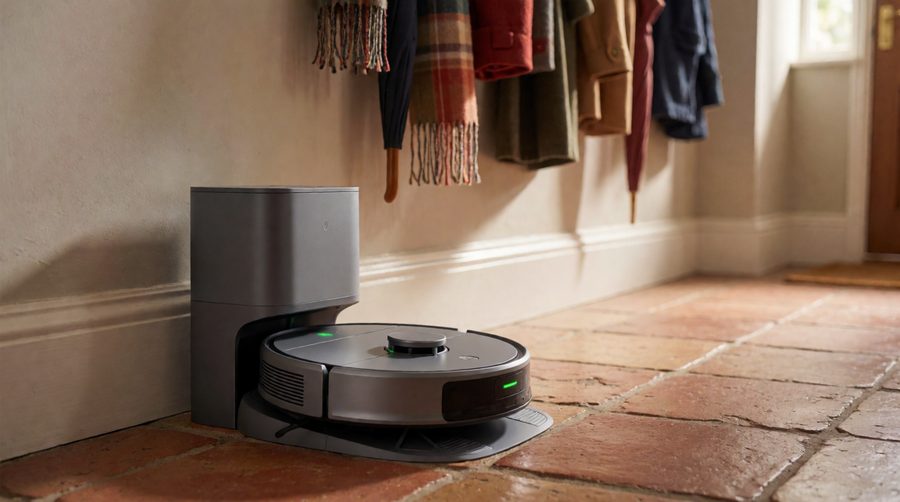
Long battery life robot vacuum mops for every type of home
Big homes and open-plan ground floors
Go for 200 min or more with LiDAR: the Ecovacs X12 OmniCyclone, Mova Z60 Ultra Roller Complete or Eureka J15 Max Ultra. Their stations also wash and dry the mop with hot water, so the run doesn't end with a dirty, smelly pad. More options are in our large area robot mops.
Homes with pets
Pet hair means more suction power, more dust in the bin and more frequent runs, both of which use power, and long hair wraps round the brush. A model with a self-emptying station and a tangle-free brush, like the Eureka E20 Plus or Lefant M5 Max (120 days of dust), lets you clean up pet hair every day without emptying the dust bin. Browse our robot vacuum and mops for pet hair for more.
Mostly carpet
Carpet uses the most power, because the brush and suction both work harder in pile. Pick a robot vacuum that lifts its mop on carpet, has strong suction power and quotes three hours or more, and accept that it will usually need one recharge stop on a big carpeted floor. Our strong suction robot vacuums are worth a look.
On a budget
Big batteries aren't only for flagships. The Lefant M3 quotes 220 min and the Tapo RV30C up to 3 hours at well under flagship prices; our budget robot vacuum and mops list more.

Do self-emptying and mop-washing stations affect run time?
Stations don't drain the robot - the dock runs from the mains. They help in two ways. First, a robot that returns mid-clean to wash its mop, refill water or empty its dust bin gets a short top-up while it is there, which is how Ecovacs PowerBoost works. Second, it never has to stop because its bin is full or its water tank is empty, so the full charge is actually used. See our self-emptying robot mops and all-in-one robot mops with charging stations for stations that empty, refill and wash.
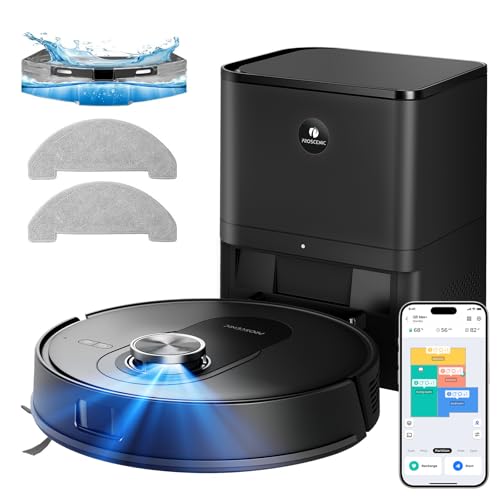
Looking after the battery
- Leave the robot on its dock between runs; lithium-ion cells last best when they are not left empty for long.
- Keep brushes, wheels and filters clean. A clogged filter or a hair-wrapped brush makes the motor work harder and shortens every run.
- Run eco or standard mode for routine cleaning and save max suction for when you need it.
- Use only the dock and charger supplied, or an official replacement from the brand.
- Don't charge a robot with a damaged, swollen or wet battery. The London Fire Brigade lithium battery advice covers safe charging at home.
- When a cell reaches the end of its life, don't put it in the household bin; Recycle Your Electricals lists UK drop-off points.
Frequently asked questions
Which robot vacuum has the longest battery life?
Of the long battery life robot vacuum mops in this range, the Eureka J15 Max Ultra quotes the longest run time at up to 360 minutes from a 6400mAh battery (Eureka UK specifications). Next come the Lefant M5 Max (up to 5 hours) and Lefant M5 Pro (up to 320 min vacuuming only). Reviewers measured the J15 Max Ultra at around 140-160 minutes of mixed vacuuming and mopping, which is still well above average.
How long does a robot vacuum run on one charge?
Typically one and a half to three hours, and up to six on the longest-running models. Expect less with carpet boost, max suction or the mop attached.
Does mopping drain the battery faster?
Yes. Lefant's own figures for the M5 Pro show 320 min vacuuming and 180 vacuuming and mopping together - over 40% less.
How long does it take to charge a robot vacuum and mop?
Usually 3-6 hours from flat. The Ecovacs X11 takes about 3 hours 10 minutes for a full charge, according to Ecovacs UK, but tops up 6% in 3 minutes at each mop wash.
How many years does a robot vacuum battery last?
Lithium-ion cells gradually lose capacity with use, so run time drops over the years rather than stopping suddenly. Most brands sell replacements, which cost far less than a new robot.
Is a big battery worth it in a small flat?
Not really. Under about 70m², a robot with a two-hour runtime finishes easily. Put the money into suction, mopping or a quieter motor instead - see our quiet robot vacuum and mops.